Keyboard
GDevelop gives access to all inputs made on the keyboard. This includes conditions to check if a key was pressed or released.
Note
Keyboard conditions detect a physical keyboard. They do not work with on-screen keyboards on touch/mobile devices. When making a game for mobile or touchscreen devices, use the mouse and touch conditions instead.
Any key pressed
This condition is true if any key on the keyboard is currently pressed (held down).
Any key released
This condition is true if any key was just released during this frame.
Key pressed
Whenever the selected key is held down, this condition is true. It stays true for every frame the key is held. Use this for continuous actions like moving a character.
Key just pressed
Whenever the selected key is first pressed, this condition is true for that single frame only. It becomes false on subsequent frames even if the key is still held. Use this for one-shot actions like jumping, opening a menu, or firing a bullet.
Tip
Use "Key pressed" for movement that should happen while the key is held, and "Key just pressed" for actions that should trigger once per key press (like jumping or firing).
Key released
Whenever the selected key is just released, this condition is true for that single frame.
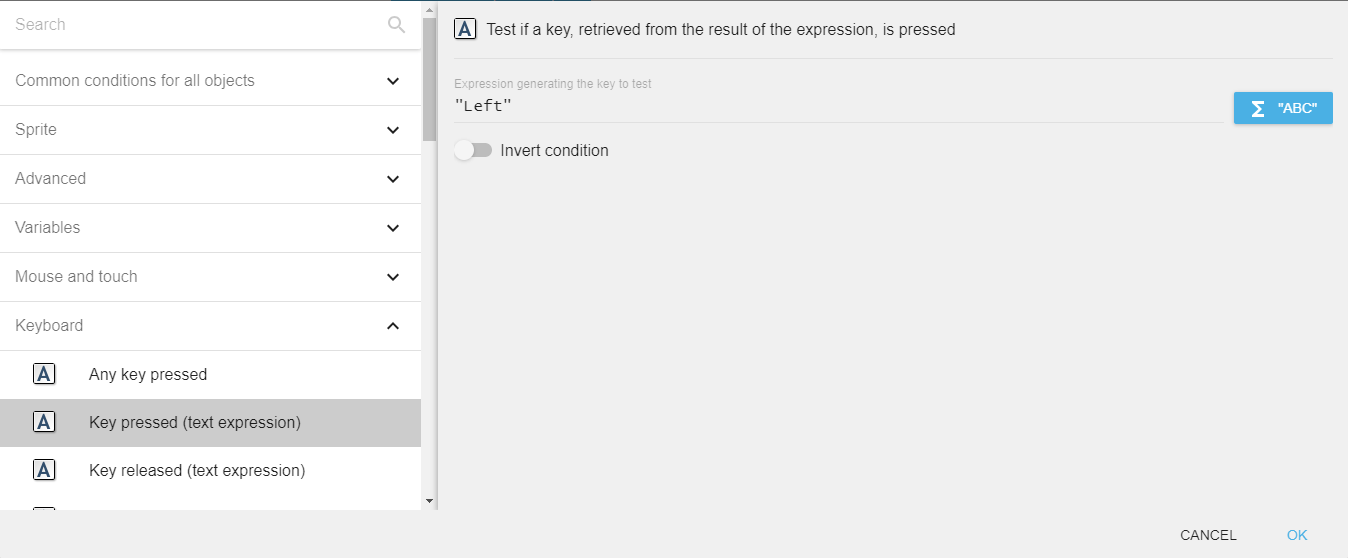
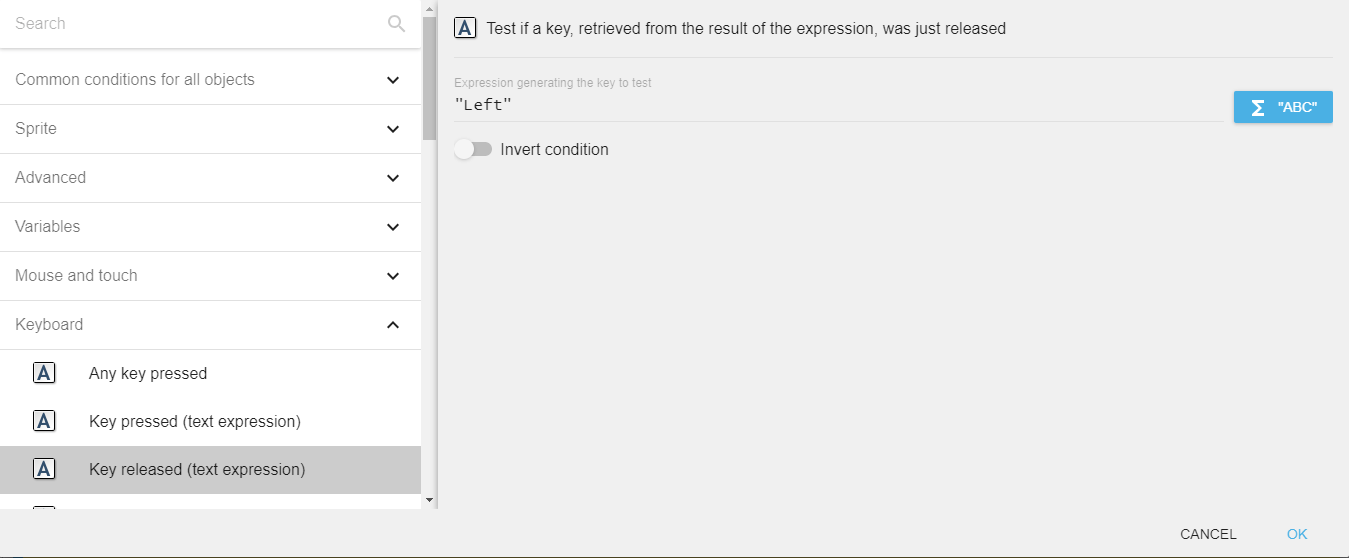
Key pressed / Key just pressed / Key released (text expression)
These conditions work the same as their counterparts above, but accept a text expression for the key name. This is useful when the key name is stored in a variable or determined at runtime.
For example, to check if the left arrow key is pressed, enter "Left" in the field.
Danger
Make sure that the key name is surrounded by quotes.
Valid key names
The following key names are accepted by the text expression variants:
| Category | Key names |
|---|---|
| Letters | "a" to "z" |
| Top-row numbers | "Num0" to "Num9" |
| Numpad digits | "Numpad0" to "Numpad9" |
| Numpad operators | "NumpadAdd", "NumpadSubtract", "NumpadMultiply", "NumpadDivide", "NumpadReturn" |
| Arrow keys | "Left", "Right", "Up", "Down" |
| Function keys | "F1" to "F12" |
| Modifier keys | "LShift", "RShift", "LControl", "RControl", "LAlt", "RAlt" |
| Common keys | "Space", "Return", "Escape", "Tab", "Back" (Backspace), "Delete", "Insert" |
| Navigation | "Home", "End", "PageUp", "PageDown" |
| Punctuation | "SemiColon", "Comma", "Period", "Slash", "BackSlash", "Quote", "Equal", "Dash", "Tilde" |
Last key pressed
The LastPressedKey() expression returns the name of the most recently pressed key as a string. For example, if the left arrow key was pressed last, the expression returns "Left".
Reference
All actions, conditions and expressions are listed in the keyboard reference page.